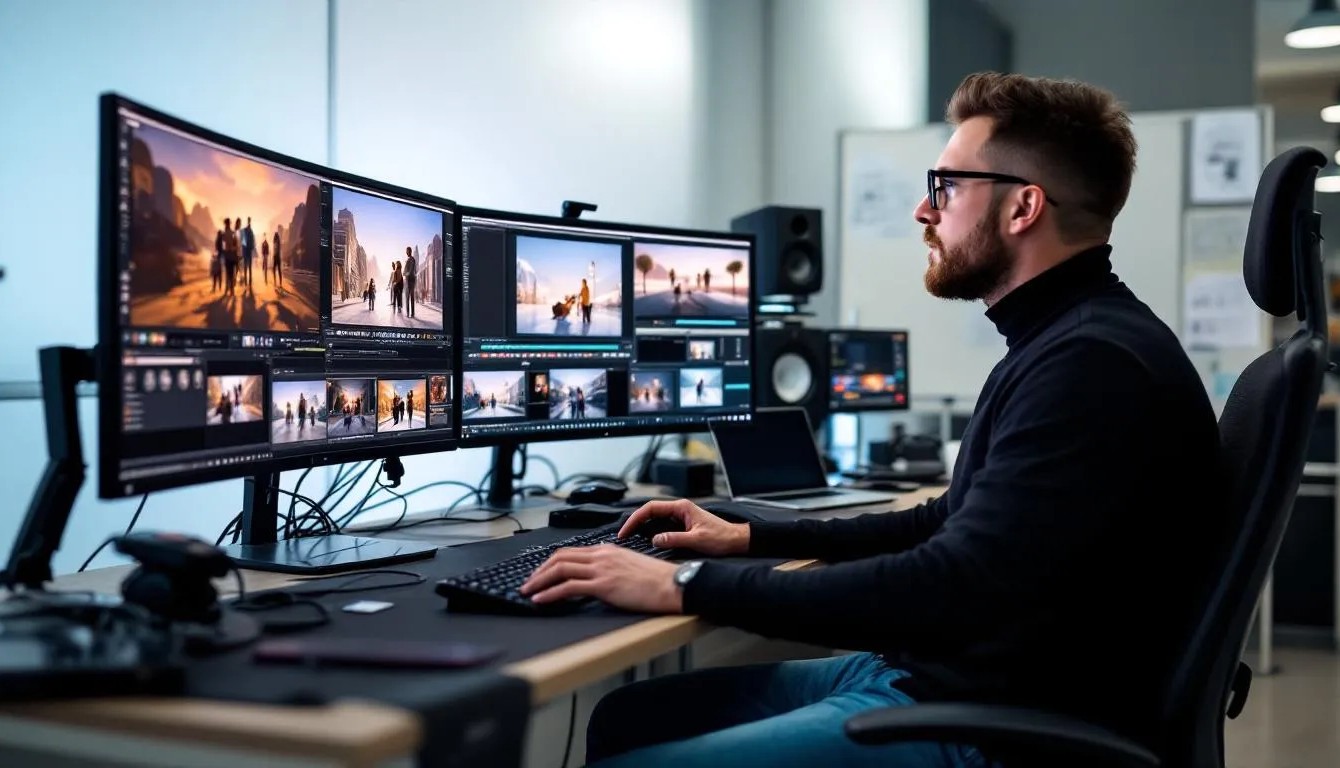
Every travel creator knows the feeling. You come home from a two-week trip across Vietnam with 400 GB of raw footage, three different camera profiles, shaky drone clips, and one nagging question: how on earth do I turn this into something people actually want to watch? Color grading takes hours. Re-shooting transitions is impossible. And by the time you’ve finished editing, the algorithm has already moved on to the next trend.
This is exactly the kind of bottleneck that AI video tools are starting to solve, not by replacing the creator, but by handling the tedious parts so storytelling can take center stage.
Why Video to Video AI Is a Creative Shortcut Worth Knowing
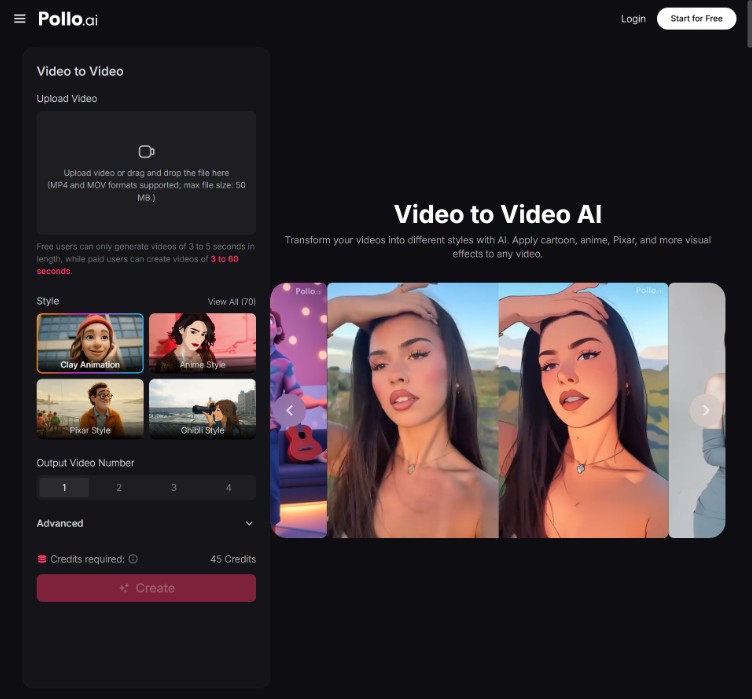
If you haven’t experimented with it yet, Pollo AI’s video to video AI is one of the easiest entry points for creators who want to transform existing footage instead of generating clips from scratch. The premise is simple: you upload a video you’ve already shot, describe the style or mood you want, and the model rebuilds it with a new visual treatment while keeping the original motion, composition, and pacing intact.
For travel vloggers, that means a flat, overcast clip of Lisbon rooftops can become a golden-hour cinematic shot. A handheld market scene can be restyled to look like a watercolor animation. A drone pass over the Alps can take on the moody color palette of a Wes Anderson film. None of this requires new footage, plugins, or a colorist on retainer.
What makes Pollo AI’s approach stand out is how lightweight the workflow feels. You’re not learning a node-based interface or memorizing prompt syntax. You’re just telling the tool what you want it to look like, in plain English.
Where This Actually Fits Into a Travel Creator’s Workflow
The most common use case I see is style unification. When you’re shooting across multiple devices and lighting conditions, your final edit often looks inconsistent. Running clips through a video-to-video pass with the same style prompt gives your reel a cohesive identity, almost like a LUT, but smarter.
The second use case is reviving old footage. Most creators have archives of unused clips that didn’t make the cut because the lighting was off or the angle was awkward. AI restyling can pull these back into rotation, which is especially valuable if you’re building a long-form documentary or a year-in-review video.
A third, and underrated, use case is A/B testing thumbnails and intros. You can generate three different visual versions of the same 5-second opening and see which one holds attention longer. For YouTube creators chasing retention curves, that’s a meaningful edge.
How to Get Cinematic Results Without Overthinking the Prompt
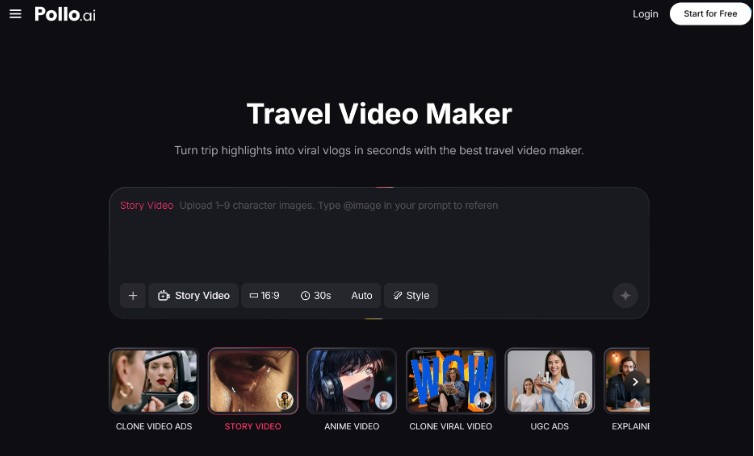
Once you’ve got footage you want to restyle, the actual process on Pollo AI takes about five minutes. Upload your clip, pick a base model, and write a short prompt describing the look you’re after. If you’re building a full trip recap, the platform’s dedicated travel video maker is worth exploring too, it’s designed specifically for stitching destination footage into share-ready edits with location-aware pacing and music cues.
A few things I’ve learned the hard way:
Keep prompts visual, not abstract. “Soft afternoon light, warm orange tones, slight film grain” works better than “make it feel nostalgic.” The model responds to descriptions of light, color, and texture more reliably than to emotional cues.
Match the style to the motion. Fast-moving drone footage doesn’t translate well into oil-painting styles, the brush textures fight the movement. Save painterly transformations for slower, more contemplative shots.
Render in short segments. Instead of pushing a 3-minute clip through at once, break it into 15-30 second sections. You’ll get more consistent results and can re-roll individual segments without redoing the whole thing.
Preserve your original audio. Most video-to-video tools strip audio during processing. Always reattach your original soundtrack in your editor afterward, especially for travel content where ambient sound carries a huge amount of the atmosphere.
What Else Is Worth Trying on the Same Platform
If you’re going deeper into AI-assisted video work, a couple of other tools on Pollo AI complement the video-to-video workflow nicely. The text-to-video generator is useful for creating B-roll you didn’t capture, think transition shots, establishing scenes, or stylized intros. The image-to-video tool turns static travel photos into short motion clips, which is perfect for breaking up talking-head segments or adding movement to a photo carousel. And the AI video enhancer can upscale older 1080p footage to 4K, which matters more than ever now that most platforms prioritize high-resolution uploads in their recommendation systems.
Each of these slots into a different stage of the editing process, so depending on what your raw material looks like, you can mix and match.
Where Travel Content Is Heading
The creators winning right now aren’t the ones with the most expensive gear, they’re the ones who can iterate fastest and maintain a recognizable visual signature across every upload. AI tools like video to video restyling are quietly leveling that playing field, letting solo travelers produce work that used to require a small post-production team.
If you’ve got a folder of footage you’ve been putting off editing, this is a low-risk way to see what’s possible. Pick one clip, try two or three different style prompts, and see how far you can push it. You might be surprised how much story is already sitting in your archives, just waiting for the right visual treatment.